
Desert Sky Audio · Malice Madrigal
Control quick reference
Bass · Distortion · Tone · Volume · Mid-cut
Wall of Ice · Dist · Aurora Curtain · Volume · Twin Assassins
Start with Dist, Tone and Volume; use Bass and Mid-cut to make room around the sound.
Full player’s guide · Circuit references · Use your browser’s Print command for a paper copy.
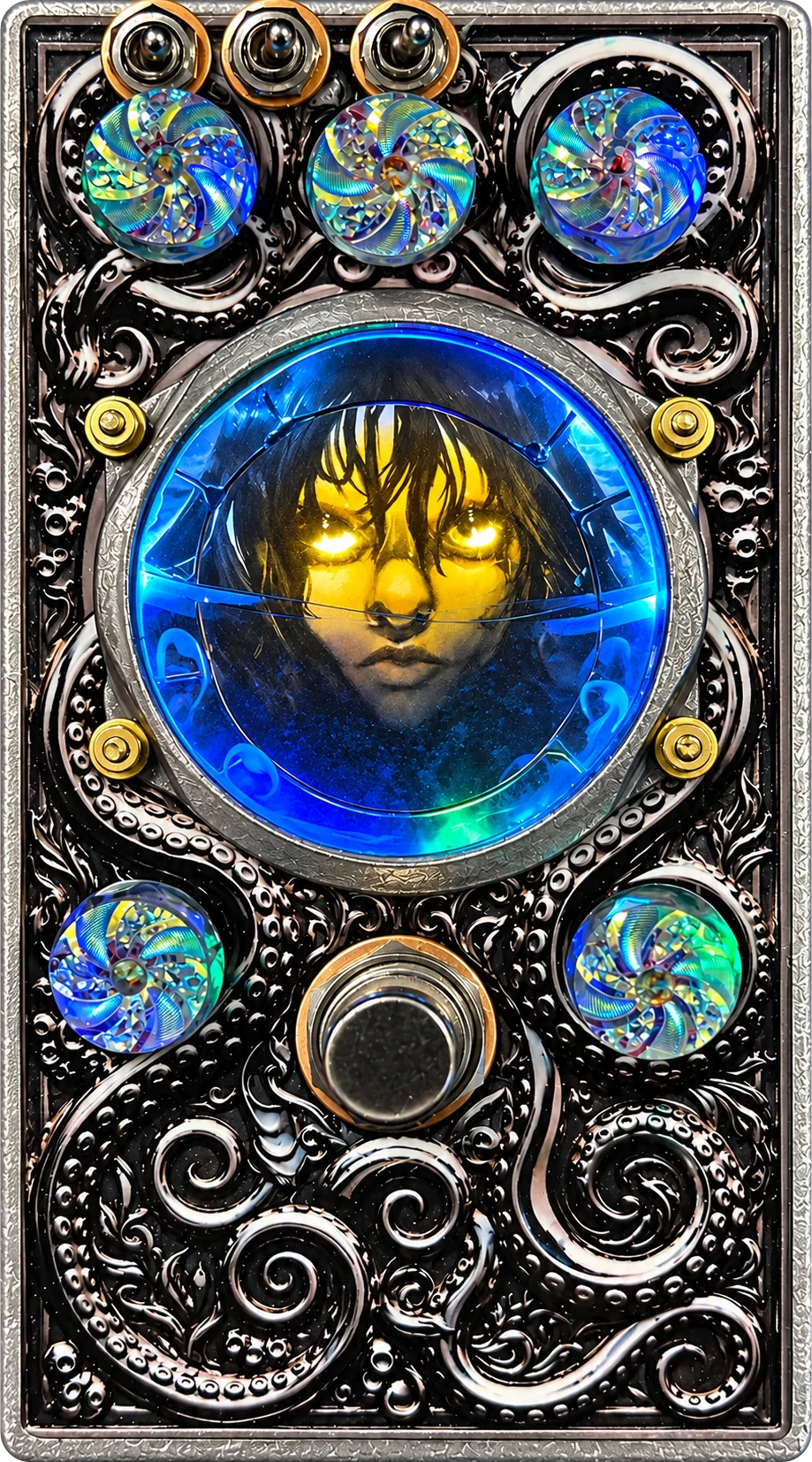
Five knobs
| Control | Clockwise gives you |
|---|---|
| Wall of Ice | More low end before clipping; counter-clockwise tightens the bass. Lower-left knob. |
| Twin Assassins / Notch Blend | Deeper cuts at two fixed midrange frequencies, blended together before the drive. |
| Dist | More drive into the always-on LED ring; the ladder and fuzz add their voices when engaged. |
| Aurora Curtain | Moves from a flat balance toward +4 dB presence after clipping. Fully closed corner about 3 kHz. Top-centre knob. |
| Volume | More output level. Match bypass volume again after changing gain, clipping or compression. |
Three switches
- Comp
- Independently engages the preset compressor and gate after Aurora Curtain. Input, filtering and all clipping combinations work with Comp off.
- Clean
- Clean bypasses the hard-clip ladder; Ladder adds it. The LED feedback remains active. Re-match Volume after changing clipping combinations.
- CRz
- Adds the fuzz. Its own low cut near 100 Hz changes the bass balance.
Start here
Hook up: instrument into IN; OUT to your amp or next device. For voice, use a microphone preamp first. Turn strong synth or line sources down before connecting.
Set up: Volume low, Dist fully down, Clean in its Clean position, CRz off and Comp off. Engage the pedal and bring Volume up to bypass level. Set Wall of Ice → Notch Blend → Dist and clipping switches → Aurora Curtain → Comp as wanted → Volume again.
Power: regulated 9 V DC, centre-negative, 2.1 mm plug; supply rated at least 300 mA, 500 mA recommended for startup margin. Regulated 12 V also works. Do not use 18 V or an unregulated adapter.
Internal settings: disconnect power before opening. Production compressor setup is JP1 A, JP2 B, with PEAK unbridged. Use the current resistance-based setup guide. The artwork panel covers the drive-amplifier socket and fuzz trims; confirm any replacement assembly with Desert Sky Audio.
desertskyaudio.com · info@desertskyaudio.com · Website reference updated 1 November 2026